
Installing an access control system is not simply a matter of replacing keys with cards, fobs, keypads, or mobile credentials.
A commercial access control system affects how employees enter the building, how vendors and contractors receive temporary access, how restricted rooms are managed, how quickly permissions can be changed, and how security events are reviewed later. Decisions made during the initial installation can make the system easier to manage for years—or create unnecessary problems every time the business changes.
Many access control problems begin before equipment is installed. Businesses may choose the wrong credential technology, overlook existing door hardware, create permissions without enough planning, fail to connect access events with surveillance cameras, or select a system that is difficult to expand later.
Sourced Security Solutions works exclusively with commercial clients and provides commercial access control system installation in Connecticut, Rhode Island, and Massachusetts. Based on that commercial focus, here are several access control planning and installation mistakes businesses should address before they become ongoing operational problems.
Starting With the Technology Instead of the Property
One of the first mistakes is deciding what access control equipment to buy before determining what the property actually needs.
A small commercial office may only need controlled employee entrances and a few secured rooms. A school may have several types of users moving through different sections of the building. A professionally managed apartment complex may need to manage tenants, maintenance teams, vendors, common areas, garages, and pools. A maritime property may have gates, docks, buildings, storage areas, and exterior entrances.
Those environments should not receive identical access control systems.
Before selecting readers, credentials, controllers, or software, start with the movement of people through the property.
Which doors should be controlled? Who needs to use them? Does access change by time of day? Are there areas that only certain employees should enter? Do contractors need temporary permissions? Are there gates, garages, elevators, pools, docks, or other specialized entry points?
Those questions should shape the technology rather than forcing a predetermined product to fit the building.
A commercial access control installation works better when the system is designed around the client’s daily operations from the beginning.
Choosing the Wrong Credential or Reader Type
There are several ways to electronically identify an authorized user, including key cards, fobs, mobile credentials, keypads, and biometric readers.
The mistake is assuming one method is automatically right for every property.
A credential that works well for an office may be less practical for an industrial environment. A mobile credential may make sense for employees who already carry company phones, while another organization may prefer physical cards or fobs. A secured room may also require a different level of control than a general employee entrance.
Businesses should think about how credentials will be issued and managed over time.
What happens when an employee leaves? How quickly can access be removed? How will temporary contractors be handled? Does a property manager need to manage several buildings? What happens if someone loses a card or fob?
The reader at the door is only one part of the decision. The credential should fit the people who use the property and the way management needs to control access.
Ignoring Existing Door Hardware
Access control depends on more than software and readers.
The physical door still needs to operate correctly.
Door condition, locks, strikes, magnetic locks, closers, hinges, frames, request-to-exit devices, and other hardware can affect how an electronic access system performs. Installing new technology without evaluating the door itself can result in a system that works electronically but performs poorly at the actual entry point.
This can be particularly important in older commercial buildings or properties where doors have been replaced or modified at different times.
A door that does not close reliably can create an access problem regardless of how advanced the credential system is.
Door and hardware compatibility should therefore be considered early in the planning process rather than after readers and controllers have already been selected.
Giving Too Many People the Same Access
Another common mistake is treating every authorized user the same.
Access control gives businesses the ability to create different permissions, but that advantage is lost when everyone receives access to every controlled area.
Employees should generally receive access based on their responsibilities. Office staff may not need access to equipment rooms. A vendor may only need one entrance. Maintenance personnel may require access to certain areas during limited hours. A contractor may need temporary permissions that end when the project is complete.
This becomes even more important in facilities with secured rooms, controlled manufacturing spaces, schools, docks, commercial pools, storage locations, or other areas where unrestricted entry would not make sense.
Building permissions around roles can make the system easier to manage while creating clearer access records.
It also reduces the need to manually change every user’s settings whenever responsibilities change.
Failing to Use Access Schedules
Access control is not only about who can enter. It can also control when entry is permitted.
Ignoring schedules can leave a business with broader access than intended.
An employee who works during normal business hours may not need access in the middle of the night. A cleaning contractor may only require entry during a defined service window. A commercial pool may have specific operating hours. A maintenance vendor may need temporary access for a single day rather than permanent entry.
Schedules allow permissions to reflect the way a property actually operates.
For property managers and businesses with several user groups, this can make day-to-day access easier to control.
Access schedules should be planned from the beginning rather than added only after an unexpected entry creates a problem.
Forgetting About Vendors, Contractors, and Temporary Users
Businesses often design access around full-time employees and overlook everyone else who regularly enters the property.
Vendors, contractors, cleaning crews, maintenance teams, temporary employees, property-management staff, and other users may require access without needing permanent unrestricted credentials.
Traditional keys can make this difficult. Once a key is issued, management has less control over when it is used or whether it remains in circulation.
Electronic access control provides more flexibility by allowing temporary or scheduled permissions to be assigned and removed when they are no longer needed.
The planning mistake is failing to define these user groups before the system is configured.
A business should consider who enters the property besides full-time employees and decide how those people should be handled within the access-control structure.
Treating Access Control and Video Surveillance as Separate Systems
An access record can tell management that a credential was used at a particular door.
Video can provide additional context about what happened around that event.
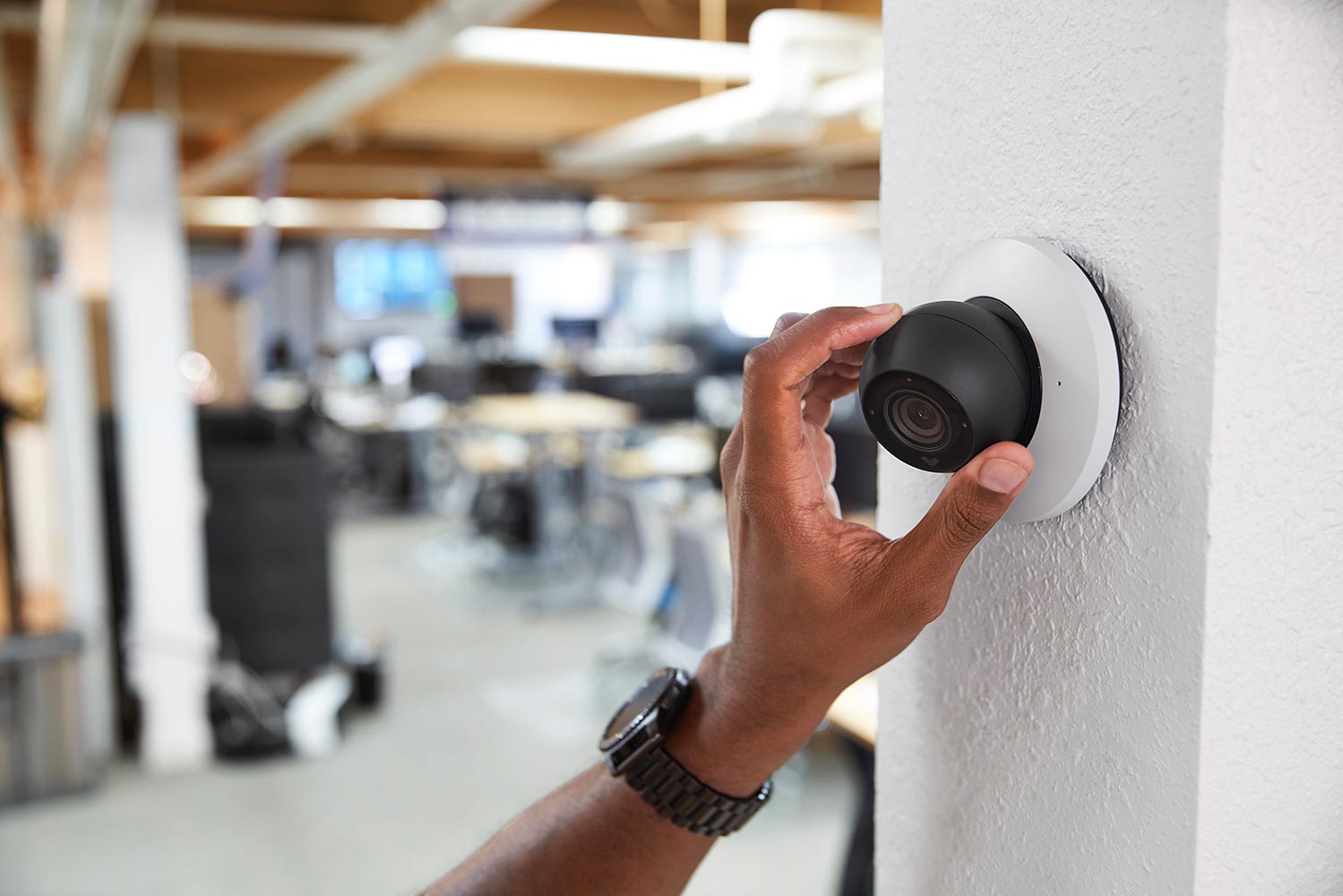
When compatible access control and commercial video surveillance systems are integrated, management may be able to review door activity alongside live or recorded footage. This can make it easier to investigate unusual activity, confirm who was at an entrance, or understand what occurred before and after access was granted.
For example, an access log may show that an authorized credential opened a door. Associated video may help determine who actually entered and what happened around the entrance.
That additional context can support operational awareness and accountability.
Businesses already planning both systems should consider how access control and video surveillance will work together rather than treating them as unrelated projects.
Building a System That Can Only Handle Today’s Property
Businesses change.
Employees are added. Departments move. Another floor is leased. A second building opens. New entrances require control. Management responsibilities change.
An access control system designed only around today’s minimum requirements may become difficult or expensive to adapt later.
Future expansion should therefore be part of the initial discussion.
That does not mean businesses need to purchase equipment they do not currently need. It means the system should allow reasonable growth without requiring the entire access-control platform to be replaced.
Businesses operating multiple locations should also consider whether management may eventually need to administer those properties from a centralized system.
A scalable setup can make it easier to add doors, users, locations, and integrations as operating requirements change.
Making Access Management Too Dependent on the Installer
Professional installation and ongoing support matter, but authorized business personnel should still be able to handle routine access-management tasks without calling a technician every time something changes.
Adding an employee, removing a former employee, changing a schedule, or revoking a lost credential should not become a complicated service request.
Depending on the system selected, modern commercial access control platforms may provide authorized users with remote management through web-based dashboards or mobile tools.
The important part is making sure the people responsible for the property understand the functions they are expected to use.
Training should cover routine tasks such as changing users, reviewing activity, adjusting schedules, and responding when a credential is lost.
A good access control installation should make day-to-day management more practical, not create another system that only a technician understands.
Forgetting to Remove Former Employees and Expired Credentials
Even a properly designed access control system can become difficult to manage when user records are not kept current.
Employee turnover is an obvious example.
When someone leaves the organization, their access should be reviewed and removed according to the company’s internal procedures. Temporary contractors and vendors should not retain permissions longer than necessary.
Businesses should establish a process for reviewing active credentials rather than waiting until a concern appears.
These reviews can help identify former users, permissions that are no longer appropriate, outdated schedules, and credentials that should have expired.
This is particularly important for businesses with many employees, frequent contractors, multiple managed properties, or sensitive areas.
The technology makes access easier to change. The organization still needs a process for keeping those permissions current.
Overlooking Network and Account Security
Cybersecurity still matters in modern access control, but it should be treated as one part of the overall commercial system rather than the entire focus of the installation.
Network-connected platforms may use web dashboards, mobile applications, cloud services, integrations, and administrator accounts. Those connections should be managed appropriately.
Businesses should protect administrative accounts, limit privileges to people who need them, maintain supported equipment and software, and follow the security recommendations provided for the products being used.
Remote management is useful because authorized staff can administer the system without standing in front of a local control panel. That convenience also means administrator access should be handled carefully.
The goal is not to turn the facilities manager into a cybersecurity specialist. It is to make sure the electronic side of the access control system receives appropriate attention alongside the doors, hardware, and credentials.
Skipping Ongoing System Management
Installation is not the end of an access-control project.
Over time, business requirements change. Employees leave. New areas become restricted. Doors are modified. Management roles change. Cameras may be added. Software and system components may require updates.
The access control system should be reviewed as those changes occur.
Businesses should know who is responsible for managing users, who is authorized to make administrative changes, how expired credentials are removed, and who should be contacted when equipment or software requires attention.
Sourced Security Solutions emphasizes quality of service and ongoing guidance rather than treating installation as the end of the relationship.
That matters because access control becomes part of everyday business operations. Most people do not think about the system until a door, credential, or permission does not work the way they expected.
Planning for management and support from the beginning can reduce those problems later.
What Should a Business Plan Before Installing Access Control?
Before installing a commercial access control system, a business should have a clear understanding of how people need to move through the property.
Which doors, gates, garages, elevators, docks, pools, or restricted areas require electronic control? Who should have access to each one? Should permissions change by time of day or user role? How should vendors and contractors be handled? Does the property already have surveillance cameras that should connect with access events? Will more doors or locations likely be added in the future?
The business does not need to know the technical answer to every question before speaking with an installer.
That is part of the security integrator’s role.
But clearly understanding how people use the property makes it easier to design a system that fits the organization rather than forcing the organization to work around the technology.
Commercial Access Control for Different Property Types
Access-control requirements can vary significantly between commercial properties.
Schools may need controlled access around entrances, staff areas, and secured rooms. Professionally managed apartment complexes may need to coordinate staff, maintenance personnel, vendors, tenants, garages, common spaces, and swimming pools.
Maritime properties may need access management around gates, docks, equipment areas, and storage locations. Defense contractors or manufacturing facilities may have secured rooms or sections of a facility where access should be limited to selected personnel.
That is why commercial access control should not be approached as a single standard package.
The system should reflect the property, its users, operating schedules, and the level of control management actually needs.
Why Professional Access Control Planning Matters
Many access control problems are not caused by defective technology.
They begin with decisions made without considering how the property operates as a whole.
The wrong reader may frustrate users. Poorly planned permissions may create unnecessary access. Incompatible door hardware can interfere with operation. Weak credential management can leave former users active. Separate camera and access systems can make events more difficult to review. A system with no room to expand can create additional work when the business grows.
Those issues are easier to address during planning than after installation.
Sourced Security Solutions has worked with commercial clients since 2011 and provides commercial access control system installation in Connecticut, Rhode Island, and Massachusetts.
Our approach starts with understanding the business, the property, the people who need access, and how the system will be managed before determining which technology best fits the environment.
If you are planning a new access control system or reevaluating an existing one, learn more about Sourced Security Solutions’ commercial Access Control System Installation services.
Frequently Asked Questions About Commercial Access Control Installation
What is the biggest mistake businesses make when installing access control?
One of the biggest mistakes is selecting equipment before defining how the property and its users need to operate. Door locations, user groups, schedules, restricted areas, temporary users, existing hardware, surveillance integration, and potential expansion should all be considered before the final system is selected.
Which access credential is best for a commercial building?
There is no single credential that is best for every business. Key cards, fobs, mobile credentials, keypads, and biometric readers can serve different applications. The right choice depends on the property, its users, the level of control required, and how management wants to issue and revoke access.
Can commercial access control work with security cameras?
Compatible systems can integrate access events with video surveillance. This may allow authorized management to review camera footage associated with activity at a door, gate, or other controlled entrance and gain more context about an event.
Can access permissions be limited to certain hours?
Yes. Depending on the system, commercial access control can allow management to create schedules based on users, roles, doors, or other settings. This can be useful for employees, contractors, vendors, maintenance personnel, and other users who only need access during approved periods.
Can access control manage more than doors?
Depending on the equipment and property, access control may be used with gates, garages, elevators, secured rooms, docks, commercial pools, and other electronically controlled entry points. The property and existing hardware should be reviewed before the configuration is selected.