
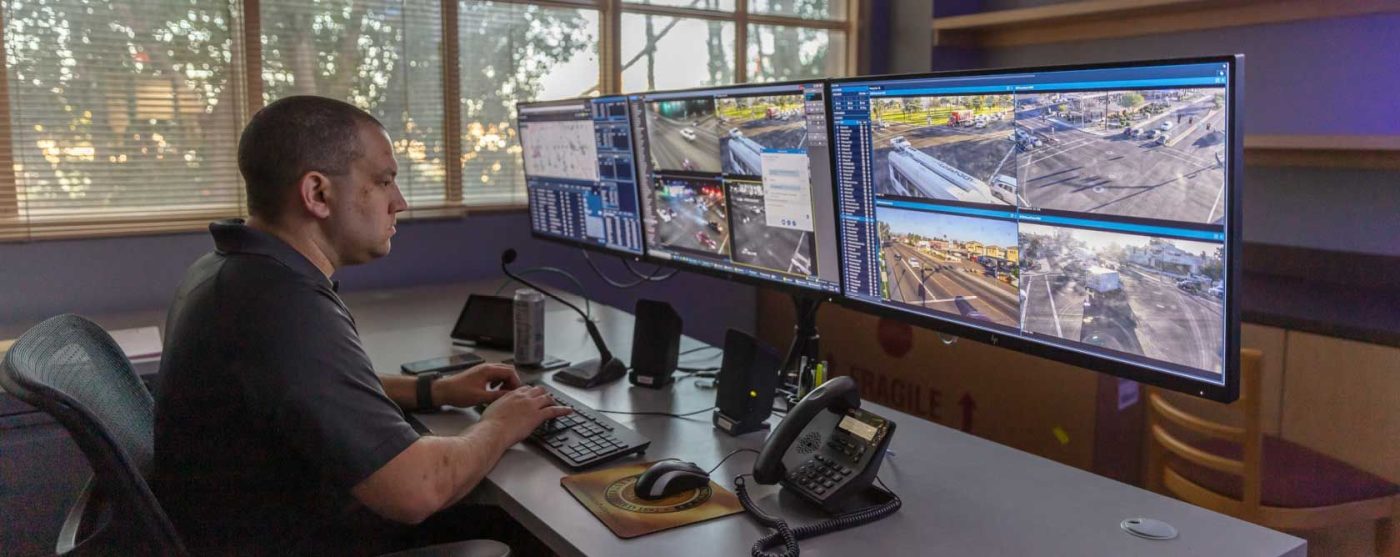
Operating a franchise or multi-location business introduces a unique security challenge: how do you maintain consistent, reliable surveillance across dozens—or hundreds—of sites without overwhelming local teams or IT staff?
Unlike single-site deployments, multi-site surveillance requires centralized oversight, standardized policies, secure connectivity, and systems that scale as the business grows. When done correctly, it delivers real-time visibility, faster incident response, and measurable risk reduction across the entire organization.
Below, we break down how franchises and chains can design, deploy, and manage multi-site video surveillance the right way—from architecture decisions to governance, cybersecurity, and operational best practices.
Why Multi-Site Surveillance Requires a Different Approach
Franchises and chains face risks that single-location businesses do not:
- Inconsistent security standards between locations
- Limited visibility into remote incidents
- Varying local IT capabilities
- Increased exposure to theft, fraud, and liability
- Difficulty enforcing policies at scale
A fragmented camera setup—different vendors, storage methods, or access rules—creates blind spots and increases compliance and cybersecurity risk. A unified, centrally managed surveillance strategy is essential for consistency and control.
Step 1: Define Centralized vs. Distributed Architecture
The first decision is how video data will be managed across locations.
Centralized Surveillance Model
- All locations feed into a central platform
- Corporate security teams manage access, policies, and analytics
- Ideal for chains prioritizing standardization and oversight
Pros
- Consistent policies and configurations
- Simplified auditing and compliance
- Faster cross-site investigations
Considerations
- Requires reliable network connectivity
- Must be designed to handle bandwidth and storage demands
Distributed (Hybrid) Model
- Local recording with centralized visibility
- Corporate teams access footage remotely
- Often used when sites have limited connectivity
Best practice: Many franchises adopt a hybrid cloud-managed model, combining local recording with centralized dashboards and governance.
Step 2: Standardize Camera Hardware and Configurations
Consistency is critical for scalability.
Franchises should standardize:
- Camera models and firmware versions
- Resolution and frame rates
- Fields of view and placement guidelines
- Retention periods
Standardization reduces:
- Training complexity
- Vendor sprawl
- Maintenance costs
- Cybersecurity exposure
It also ensures footage quality is consistent for investigations, insurance claims, and compliance reviews.
Step 3: Centralize Access Control and User Permissions
Multi-site surveillance introduces a major risk: who can see what footage—and why.
Best practices include:
- Role-based access controls (RBAC)
- Least-privilege permissions
- Multi-factor authentication (MFA)
- Centralized user management
For example:
- Corporate security teams may access all sites
- Regional managers may access assigned locations
- Local managers may only review recent footage
All access should be logged, time-stamped, and auditable.
Step 4: Secure Connectivity Between Locations
Video surveillance systems are part of your network—and a frequent attack target.
To protect multi-site deployments:
- Encrypt video streams in transit and at rest
- Use secure VPNs or private network connections
- Segment surveillance networks from POS and business systems
- Disable unused ports and services
Cloud-managed systems should meet SOC 2 or ISO 27001 standards, with documented incident response and breach notification processes.
Step 5: Establish Consistent Retention and Storage Policies
Retention decisions must balance:
- Operational needs
- Legal and regulatory requirements
- Storage costs
- Privacy expectations
Franchises should define:
- Default retention periods (e.g., 14, 30, or 90 days)
- Extended retention for flagged incidents
- Automated deletion schedules
- Secure backup and recovery processes
These policies should be centrally enforced, not left to individual locations.
Step 6: Integrate Analytics and Remote Monitoring
Modern multi-site surveillance goes beyond recording.
Advanced platforms enable:
- Motion and intrusion detection
- Loitering and after-hours alerts
- People counting and traffic analysis
- Remote alarm verification
Central monitoring teams can:
- Verify incidents in real time
- Reduce false alarms
- Support local staff without being on-site
This is especially valuable for franchises operating 24/7 locations, unattended sites, or high-risk environments.
Step 7: Align Surveillance With Legal and Privacy Requirements
Franchises operating across multiple states must account for:
- State-specific notice and consent laws
- Employee monitoring rules
- Prohibited surveillance areas (restrooms, locker rooms, medical spaces)
To stay compliant:
- Use standardized signage templates
- Provide employee notice and acknowledgments
- Disable audio recording unless explicitly justified
- Document surveillance purposes and access rules
Consistency across locations reduces liability and enforcement risk.
Step 8: Create Centralized Policies and Incident Playbooks
Technology alone is not enough.
Franchises should maintain:
- A master surveillance policy
- Standard operating procedures for incidents
- Escalation and reporting workflows
- Evidence handling and export protocols
Incident playbooks should clearly define:
- Who reviews footage
- When law enforcement is contacted
- How footage is preserved
- How incidents are documented
This ensures predictable, defensible responses across all sites.
Common Mistakes Franchises Should Avoid
- Letting individual locations choose their own camera systems
- Failing to centralize access and oversight
- Over-retaining footage without justification
- Ignoring cybersecurity hardening
- Deploying cameras without documented policies
These gaps often surface only after an incident—when remediation is most costly.
Ready to Scale Surveillance Across Your Locations?
Multi-site surveillance doesn’t have to be complex—but it must be intentional.
Our security specialists help franchises and chains:
- Design scalable, centralized surveillance architectures
- Standardize hardware, access, and retention policies
- Secure networks and cloud platforms
- Align surveillance with privacy and compliance requirements
Contact us today to assess your current setup and build a surveillance program that protects every location—consistently and securely.