
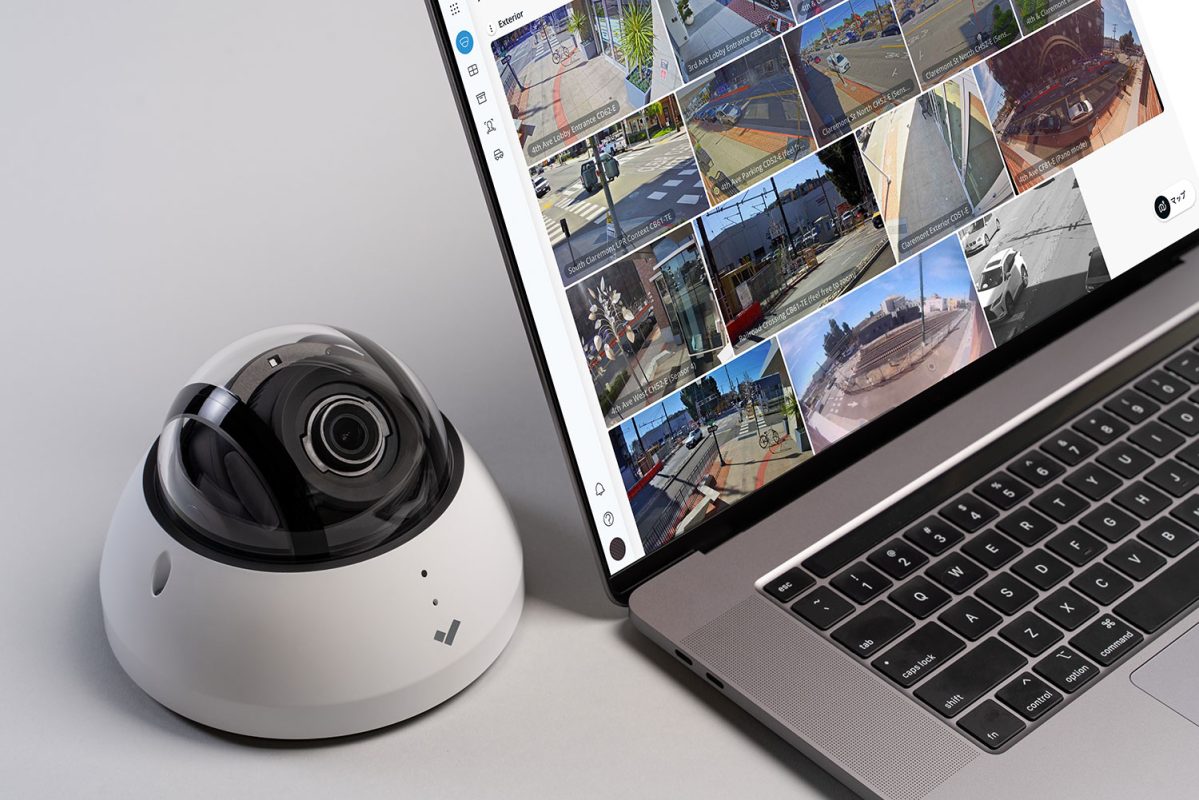
IP security cameras give businesses more flexibility than traditional standalone surveillance systems. Authorized users may be able to view cameras remotely, manage multiple locations, review recorded footage, receive alerts, and connect surveillance with other security tools.
That network connection also means cameras have to be treated like connected devices, not just equipment mounted on a wall.
Weak passwords, outdated firmware, unnecessary network exposure, excessive user permissions, and poorly configured remote access can create security problems. For businesses using cameras to document incidents, monitor property activity, manage liability concerns, or support Virtual Guard services, protecting access to the surveillance system is part of keeping that system dependable.
Sourced Security Solutions works with commercial organizations on video surveillance, access control, and Virtual Guard systems. Cybersecurity for the larger company network should also involve the organization’s IT team or qualified technology provider.
For most businesses, preventing IP camera hacking starts with a straightforward principle: control who can access the system, keep the equipment current, and limit unnecessary connections between surveillance devices and the rest of the network.
Can IP Security Cameras Be Hacked?
Yes. IP cameras are network-connected devices, so unauthorized access is possible when equipment, accounts, or network settings are not properly secured.
That does not mean an IP camera is inherently unsafe.
The risk depends heavily on how the system is selected, installed, configured, maintained, and accessed.
Common weaknesses can include default or reused passwords, outdated camera firmware, forgotten user accounts, unnecessarily exposed services, insecure remote access, and cameras connected to a network without appropriate controls.
For a commercial business, unauthorized camera access can create more than a privacy issue. It may interfere with the very reasons the system was installed: maintaining visibility over the property, reviewing incidents, documenting activity, and supporting security operations.
That is why commercial camera cybersecurity needs to be considered throughout the life of the system rather than only during installation.
Start by Replacing Default and Reused Passwords
Password security remains one of the simplest places to start.
Camera systems may include several types of accounts: camera administrator accounts, recorder accounts, video management platforms, mobile applications, cloud accounts, and remote-viewing portals.
Each important account should use a strong, unique password.
Do not reuse the same password used for company email, Wi-Fi, employee software, building systems, or other services. Reusing credentials can turn a compromise involving one account into a problem affecting several systems.
Factory-default credentials should also be changed during setup when they exist.
Businesses with multiple users should avoid giving everyone one shared administrator login. Individual accounts make it easier to control who has access and to remove access when an employee, contractor, or vendor no longer needs it.
When the camera platform supports multi-factor authentication, enabling it can provide another safeguard for administrative and remote-access accounts.
Limit Administrator Access
Not everyone who needs to see video needs permission to change the system.
For example, a property manager may need to review recorded footage. An operations manager may need live viewing. Another employee might only need access to cameras in a specific part of the property.
None of those responsibilities automatically require full administrative privileges.
Administrator access may allow someone to add or delete users, change camera settings, modify recording schedules, update devices, change network settings, or alter storage configurations. That level of control should normally be limited to people whose jobs require it.
Businesses should also review existing accounts periodically.
Old accounts can accumulate when employees leave, managers change positions, vendors finish projects, or temporary access is never removed.
An access review should answer a simple question:
Does every person with camera access still need the permissions they currently have?
If the answer is no, those permissions should be changed or removed.
Keep Camera Firmware and Management Software Current
IP cameras run software just like many other connected devices.
Manufacturers may release firmware updates to correct security vulnerabilities, repair bugs, improve device stability, or maintain compatibility with the rest of the system. Recorders, video management systems, applications, and cloud platforms may also receive updates.
Businesses should have a process for checking whether supported updates are available.
That does not mean installing every update without planning.
For a commercial surveillance system, updates should be coordinated so that important cameras or recording functions are not unnecessarily interrupted during business operations. Organizations with internal IT support may want their IT team involved when updates affect network configuration or connected infrastructure.
Keeping an inventory can make this easier.
For a larger system, businesses should know which camera models are installed, which recorder or management platform is being used, and whether any equipment has reached or is approaching the end of manufacturer support.
Older equipment that no longer receives security updates deserves particular attention.
Separate Security Cameras From General Business Traffic
A commercial surveillance network does not always need to share unrestricted access with employee computers, guest Wi-Fi, printers, point-of-sale equipment, or other connected devices.
Network segmentation can help separate security devices from unrelated business systems.
Depending on the environment, an IT team may place cameras and related equipment on a dedicated network or VLAN and then control which systems are allowed to communicate with them.
The exact architecture depends on the business, network hardware, camera platform, number of locations, and remote-access requirements.
This is an area where the security company and IT provider should work together.
Sourced Security can address the requirements of the video surveillance system, while the organization’s IT team can determine how those requirements fit safely into its wider network architecture.
The point is not simply to create another network. The goal is to prevent devices that have no business communicating with the surveillance system from having unrestricted access to it.
Do Not Expose Cameras Directly to the Internet Without a Clear Reason
Remote viewing is useful for many commercial organizations.
A business owner may need to check multiple locations. A property manager may need access while away from a building. Operations personnel may need to review an event from another site. Virtual Guard services also depend on controlled access to appropriate camera views.
But remote access should be intentional.
Individual cameras should not simply be exposed to the public internet because it is convenient.
The preferred access method depends on the equipment and network environment. Businesses should use the secure remote-access options supported by the system and coordinate more advanced network controls with their IT provider.
Unnecessary port forwarding or unused remote services should be avoided when safer supported options are available.
Remote access should also be reviewed when employees or vendors leave.
A login created for a temporary contractor should not remain active indefinitely.
Disable Features and Services You Do Not Use
Connected security equipment may support functions that are not necessary for every installation.
Depending on the device, these could include discovery services, remote-management functions, audio capabilities, older protocols, or other network features.
Leaving unnecessary services enabled can create more points that have to be managed and secured.
That does not mean a business should start disabling camera functions at random.
Changing network services without understanding their purpose can break recording, remote viewing, monitoring, integrations, or other important functions.
Instead, the camera provider and IT team should determine what the system actually requires.
Features that are necessary should be configured correctly. Features that are unnecessary can be disabled when doing so will not interfere with the system.
Protect the Recorder and Video Storage
Cybersecurity does not stop at the camera.
A network video recorder, video management server, cloud account, or other storage platform can contain large amounts of recorded footage. Access to that footage should be treated carefully.
Physical access matters as well.
An on-site recorder should not be installed in a location where unauthorized people can easily unplug, remove, damage, or reset it.
Logical access should also be controlled. Recorder and storage accounts should use appropriate authentication, administrative privileges should be limited, and software should be maintained.
Businesses using cloud-managed surveillance should understand who can access their platform, how users are added and removed, what authentication options are available, and how recorded footage is managed.
Businesses using local recording should not assume that local storage is automatically more secure. Local systems still require passwords, updates, network controls, physical protection, and routine maintenance.
Watch for Cameras Going Offline or Behaving Differently
An offline camera is not always evidence of a cyberattack.
A camera may lose connectivity because of a power issue, damaged cable, network problem, equipment failure, configuration change, or physical tampering.
It still deserves attention.
A camera that has repeatedly gone offline cannot provide dependable surveillance of the area it was installed to monitor.
Businesses should know who is responsible for responding when cameras stop communicating.
Depending on the surveillance platform, administrators may also be able to review device health information, account activity, configuration changes, or access logs.
Unrecognized logins, unexpected user accounts, unexplained configuration changes, or devices behaving differently from normal should be investigated.
This is particularly important for systems supporting remote monitoring. Virtual Guard depends on the underlying cameras being available and working as expected.
Review Camera Access When Employees Leave
Offboarding is easy to overlook.
When an employee with access to the surveillance system leaves the company, their camera-system permissions should be reviewed along with their email, building access, and other business accounts.
The same applies when someone changes roles.
A manager who once needed access to every location may no longer require it. A vendor who was given temporary administrator access during installation may not need permanent access after the project is completed.
Businesses should know:
Who can watch live cameras?
Who can review recordings?
Who can export clips?
Who can create users?
Who has administrator permissions?
Who can change system configurations?
Those responsibilities should remain current as the organization changes.
Make Remote Viewing Accountable
Shared usernames may seem easier when several managers need access, but they make access harder to control.
If five people use one login, the business has fewer ways to determine who used the account or to remove one person’s access without changing the credentials for everyone.
Individual accounts are generally easier to manage.
Permissions can also be matched to the person’s role instead of granting every user the same access.
A property manager may need one set of cameras. A facilities employee may need another. Senior management may require access across multiple sites.
Good account structure supports both security and everyday usability.
Think About Cybersecurity When Buying New Cameras
Camera cybersecurity should start before equipment is installed.
When evaluating commercial IP cameras or video-management platforms, businesses should consider more than resolution and image quality.
They should also ask how the product handles user accounts, software updates, remote access, administrative permissions, authentication, device support, and system maintenance.
Products also have lifecycles.
A camera that works physically but no longer receives manufacturer support may eventually create a different set of concerns than newer equipment that continues to receive updates.
This becomes especially important for businesses planning systems that may remain in operation for years.
The National Institute of Standards and Technology has published cybersecurity guidance for connected Internet of Things devices that addresses areas such as device identification, configuration, data protection, access controls, software updating, cybersecurity state awareness, and lifecycle management.
Those principles apply well to commercial surveillance planning because an IP camera is both a physical-security device and a network-connected technology asset.
IP Camera Security for Multi-Location Businesses
Cybersecurity management becomes harder as the number of cameras and locations grows.
A business operating one facility may have a relatively small number of users and devices. A company managing several commercial properties may have dozens or hundreds of cameras, multiple administrators, several networks, and different groups of employees requiring access.
Consistency becomes important.
If one location follows strong password and update practices while another still uses old accounts and outdated equipment, the company does not have one consistent security standard.
Multi-site businesses should establish common practices for user access, equipment inventories, maintenance, remote viewing, and employee offboarding.
Centralized management can simplify some of these responsibilities, but it still needs proper account security and administration.
How Does Cybersecurity Affect Virtual Guard Monitoring?
Virtual Guard adds active monitoring to a video surveillance system.
When configured, activity is detected; monitoring personnel can review the event and respond according to established procedures. Depending on the system and situation, that may include speaking through two-way audio or escalating an event.
Because the service depends on cameras and remote connectivity, reliable camera access matters.
A camera that is offline, misconfigured, or inaccessible cannot provide the same visibility as a properly functioning device.
Businesses considering Virtual Guard should therefore think about camera health, network stability, user permissions, and secure remote access as part of the overall system.
Sourced Security works with commercial organizations that want more than passive recording, including properties where remote monitoring can help watch parking areas, gates, exterior spaces, pools, docks, yards, and other areas that are difficult to observe continuously from inside the building.
Physical Security and Cybersecurity Should Work Together
Commercial video surveillance sits between physical security and information technology.
The physical-security side asks questions such as:
Where are the blind spots? Which entrances need coverage? Which parking areas create liability concerns? What footage will management need during an incident investigation?
The cybersecurity side asks different questions:
Who can access the cameras? How are users authenticated? Are devices updated? How is the camera network connected to other systems? How is remote access controlled?
Both matter.
A camera can have excellent positioning but poor account security.
A perfectly protected network camera can still be ineffective if it is pointed at the wrong location or fails to capture the activity the business actually needs to review.
The strongest commercial surveillance planning accounts for both.
Who Should Be Responsible for IP Camera Cybersecurity?
Responsibility is often shared.
A commercial security provider can help select, install, configure, and maintain the surveillance equipment within the scope of the system.
The business’s IT department or managed IT provider should be involved in decisions affecting firewalls, VLANs, broader network architecture, company-wide authentication policies, endpoint security, and other parts of the corporate network.
Management also has responsibilities, especially when deciding who should have access to video and when former employee or vendor accounts should be removed.
Clear ownership prevents basic security tasks from being forgotten because everyone assumes someone else is handling them.
A Practical IP Camera Security Checklist
Businesses do not need to make camera cybersecurity unnecessarily complicated. Start with the controls that address common weaknesses:
- Replace default credentials and avoid password reuse.
- Enable multi-factor authentication when the platform supports it.
- Limit administrator privileges and remove unused accounts.
- Keep camera, recorder, application, and management-platform software current.
- Work with IT to separate camera traffic from unrelated business systems when appropriate.
- Avoid unnecessary public internet exposure and unused network services.
- Secure recorders, storage systems, and cloud-management accounts.
- Review device health, access activity, and user permissions over time.
The exact configuration will vary by system. Businesses with larger networks, regulated environments, or specific cybersecurity requirements should involve their IT and cybersecurity professionals rather than relying on general camera-security advice alone.
Frequently Asked Questions About IP Camera Security
What is the best way to prevent an IP camera from being hacked?
There is no single setting that protects every IP camera. Strong protection usually involves several controls working together: unique passwords, limited administrator access, current firmware, secure remote access, appropriate network separation, removal of unused accounts, and ongoing system maintenance.
Should security cameras be on a separate network?
In many commercial environments, separating surveillance equipment from unrelated network traffic can reduce unnecessary access between devices. A dedicated network or VLAN may be appropriate, but the configuration should be planned with the business’s IT provider because network requirements vary.
How often should security camera firmware be updated?
There is no universal schedule that applies to every camera. Businesses should monitor manufacturer notices and have a process for reviewing and applying relevant supported updates. Updates should be coordinated to avoid unnecessary interruptions to important surveillance functions.
Are cloud security cameras safer than on-premises systems?
Neither approach is automatically safer. Cloud-managed systems depend heavily on account security, authentication, provider security, and internet connectivity. On-premises systems depend more heavily on local network configuration, server or recorder maintenance, physical protection, and internal administration. Either can be appropriate when properly designed and maintained.
Is remote camera viewing safe?
Remote viewing can be used securely when access is properly configured and restricted to authorized users. Businesses should avoid weak shared credentials and unnecessary direct exposure of cameras to the public internet.
Can Sourced Security secure our entire company network?
Sourced Security focuses on commercial physical-security systems, including video surveillance, access control, and Virtual Guard. Broader corporate cybersecurity, firewall management, endpoint protection, and company network architecture should be handled with the organization’s IT or cybersecurity provider. Coordination between both sides can help ensure that the surveillance system fits properly within the network.
Does Sourced Security work with residential security cameras?
No. Sourced Security Solutions focuses on commercial organizations and professionally managed properties rather than individual residential home-security installations.
Protect the Cameras Your Business Depends On
Commercial security cameras are installed to give businesses better visibility.
They may help management review a slip-and-fall claim, understand activity around an entrance, check what happened in a parking lot, review a delivery, investigate employee or visitor activity, or support remote monitoring.
That value depends on the cameras being available and accessible to the right people.
Securing IP security cameras means treating them as both surveillance equipment and network-connected devices. Strong account management, software maintenance, controlled remote access, appropriate network design, and regular reviews can reduce avoidable weaknesses without making the system unnecessarily difficult to use.
Sourced Security Solutions has worked with commercial organizations since 2011 and provides video surveillance, access control, and Virtual Guard solutions for businesses and professionally managed properties.
For help planning or improving a commercial video surveillance system, call Sourced Security Solutions at (888) 977-2668.