
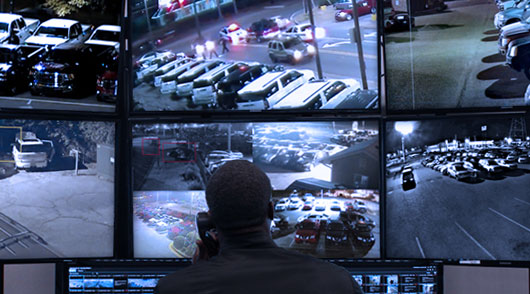
A virtual security service provider should do more than connect to your cameras and send notifications when something moves.
The right provider should be able to explain what areas are being monitored, how an event is identified, when a person reviews it, what happens next, how your business is contacted, what gets documented, and what happens if a camera or other part of the system stops working.
If those answers are unclear, that is a warning sign.
Virtual Guard monitoring combines commercial video surveillance, intelligent video detection, and remote monitoring professionals who can review selected activity and follow response procedures established for the property. Depending on the system and the event, that may include an audio warning, contacting an authorized representative, or escalating an urgent situation.
For businesses comparing providers, the technology matters. But the workflow behind that technology matters just as much.
Here are the red flags businesses should watch for before choosing a virtual security service provider.
Red Flag #1: The Provider Cannot Clearly Explain What Is Being Monitored
One of the first questions to ask is simple:
What exactly will you monitor on my property?
A provider should be able to answer that without vague language about “complete protection” or “AI-powered security.”
A commercial property may have parking lots, entrances, loading areas, gates, pools, docks, storage areas, equipment yards, common spaces, or other locations that require different levels of attention. Not every camera necessarily needs the same monitoring rules.
For example, movement through an employee parking lot during business hours may be completely normal. The same activity in a restricted equipment area after closing may require attention.
The monitoring plan should account for those differences.
A provider should understand which cameras matter, what areas are restricted, what hours are important, what activity is expected, and which situations should trigger review.
If the provider cannot explain the monitored areas and the purpose of monitoring each one, the business may end up paying for a service without knowing what coverage it actually has.
Red Flag #2: They Say Any Existing Camera System Will Work Without Evaluating It
Virtual Guard monitoring depends on video surveillance.
That does not always mean a business needs to replace every existing camera, but the existing system should be evaluated before anyone promises that it can support remote monitoring.
Camera placement, image quality, nighttime visibility, network connectivity, system access, and audio capabilities can all affect whether a current system is appropriate.
A camera pointed in the wrong direction will not become more useful simply because a monitoring service is connected to it.
The same applies to poor nighttime images, blocked views, unreliable connections, or cameras that do not provide enough detail for someone to understand what is happening.
A credible virtual security service provider should be willing to review the existing surveillance environment before recommending how monitoring should be configured.
Sometimes the current cameras may be usable. Sometimes certain cameras need to be repositioned, upgraded, or supplemented.
The warning sign is a provider that promises compatibility before looking at the system.
Red Flag #3: They Cannot Explain the Difference Between Detection and Human Review
Video analytics can help identify selected activity, but an alert and a verified event are not the same thing.
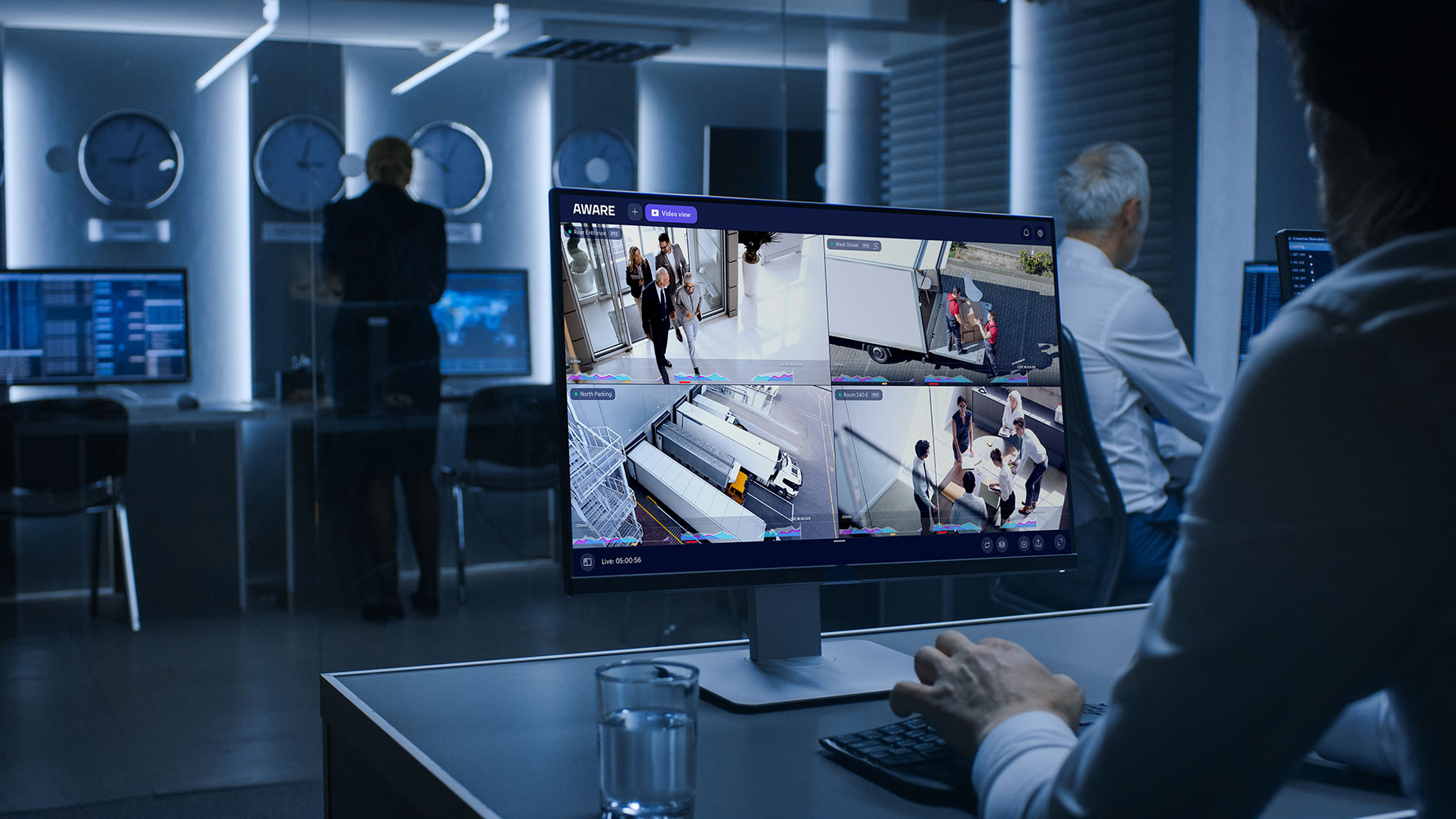
A useful monitoring workflow should distinguish between technology detecting something and a person determining whether that activity requires attention.
Consider a camera covering a commercial parking area. Depending on how the system is configured, an alert could be generated by a person entering the area, a vehicle arriving, movement near a restricted location, or activity occurring during selected hours.
The next question is what happens to that alert.
Does someone review the video? What information do they see? How do they determine whether the activity is expected? When does an alert become an incident? When is no further action needed?
Businesses should understand where analytics end and human review begins.
If the provider talks extensively about AI but cannot explain what monitoring personnel actually do after an alert is generated, the service may not be as complete as it sounds.
Red Flag #4: There Is No Clear Escalation Plan
Every monitored property should have an established process for handling events.
That process may vary depending on the situation.
A person entering a restricted area could require one type of response. Activity around a closed commercial swimming pool may require another. An urgent situation may need to be handled differently from activity that simply needs to be documented and reported.
Before service begins, the provider and business should establish what happens when selected events occur.
Who should be contacted first? Are there different contacts after hours? When should someone receive a call instead of a text or other notification? When may audio intervention be appropriate? When should an event be escalated further?
The business should not be figuring this out for the first time while something is happening.
A virtual security service provider that cannot describe how escalation procedures are developed for a property deserves closer scrutiny.
Red Flag #5: Audio Intervention Is Mentioned but Never Explained
Live audio intervention can be one of the more useful differences between passive surveillance and Virtual Guard monitoring.
When compatible equipment is installed, a remote monitoring professional may be able to speak through an onsite speaker after selected activity has been reviewed.
That could mean notifying someone that the property is monitored, addressing activity in a restricted area, or giving another appropriate warning based on the site’s procedures.
But businesses should understand exactly how this works.
Ask when audio intervention is used, which parts of the property have compatible speakers, and what happens after a warning is issued.
Audio should not be treated as a marketing checkbox.
If a provider promotes “live deterrence” but cannot explain who decides when to speak, where the speakers are installed, or what happens when the person does not respond, the monitoring workflow is incomplete.
Red Flag #6: Nobody Is Watching the Health of the Camera System
A monitoring service depends on functioning cameras.
If a critical camera is offline, disconnected, blocked, or otherwise unavailable, the monitoring team may lose visibility into an area the business believes is being watched.
That makes camera health an important part of the conversation.
Ask what happens when a monitored camera stops communicating. Does the provider know? Is someone notified? How are recurring camera issues documented? Who is responsible for troubleshooting the problem?
A business should not discover weeks later that a camera covering an important area stopped providing usable video.
This is especially important when Virtual Guard monitoring is being used around exterior areas, parking lots, construction sites, pools, docks, storage properties, or other locations where there may not be employees present continuously.
Monitoring should include an understanding of whether the monitoring equipment itself is available when it is needed.
Red Flag #7: Incident Reporting Is Vague or Inconsistent
When something occurs, businesses need more than a notification saying there was “activity.”
Useful incident reporting should help management understand what happened.
Depending on the event and the monitoring program, a report may identify when an alert occurred, which camera or area was involved, what was observed, what action was taken, whether someone was contacted, and whether additional follow-up may be appropriate.
Reporting becomes even more useful over time.
A single event tells you what happened once. A pattern of reports may show repeated activity around the same location, similar incidents at certain times, recurring access issues, or areas where camera coverage or site procedures should be reviewed.
Ask a prospective provider to explain what information is documented after monitored events.
If reporting consists only of basic alert notifications with little context, businesses may be missing one of the practical benefits of remote monitoring.
Red Flag #8: The Provider Cannot Tell You How Performance Is Reviewed
Businesses should have a way to evaluate whether their Virtual Guard program is working as intended.
That does not require a universal industry benchmark.
In fact, businesses should be cautious when a provider promises that every property will achieve exactly the same response time, reduction percentage, or number of prevented incidents.
Different properties generate different activity.
Instead, ask what information can be reviewed.
Useful Virtual Guard reporting may include the number of alerts reviewed, verified versus non-actionable events, audio interventions, escalated incidents, recurring incident locations, camera availability, alert patterns by time or day, unresolved events, and contact-response activity.
Those metrics can help a business identify where its monitoring plan is working and where adjustments may be needed.
A provider that cannot show you how the service is reviewed after installation may be treating monitoring as a set-it-and-forget-it product.
Red Flag #9: Frequent False or Non-Actionable Alerts Are Simply Accepted
Not every alert requires intervention.
The important question is whether the monitoring program learns from recurring non-actionable activity.
A camera may repeatedly generate events because of ordinary employee movement, deliveries, vehicles, changing environmental conditions, or activity that is expected during certain hours.
If the same type of non-actionable alert keeps occurring, the provider should be able to review whether camera positioning, analytics settings, monitoring schedules, or response rules need adjustment.
Otherwise, unnecessary alerts can create noise.
A properly managed monitoring program should distinguish routine activity from situations that warrant greater attention as effectively as the technology and property conditions allow.
Ask providers how they review recurring alert patterns.
If the answer is simply that “the AI handles it,” keep asking questions.
Red Flag #10: They Use the Same Monitoring Plan for Every Property
A marina is not a construction site.
A commercial swimming pool is not a manufacturing facility. A professionally managed apartment complex has different operating patterns from an auto dealership or self-storage property.
The monitoring plan should reflect those differences.
A marina may care about docks, gates, parking areas, equipment, and activity outside normal hours. An apartment property may focus on parking, pools, common areas, and selected entrances. A construction company may be concerned with after-hours activity as well as selected safety procedures during working hours.
Sourced Security Solutions also works with compatible analytics that may help identify possible hard-hat or high-visibility-vest concerns in designated construction areas.
That type of specialized monitoring should be configured for the site where it is relevant rather than added indiscriminately to every system.
PPE detection can support workplace safety oversight and documentation, but it does not replace employee training, onsite supervision, established safety programs, or an employer’s regulatory responsibilities.
If a provider offers exactly the same monitoring package to every type of commercial property, ask how the service will reflect your actual operation.
Red Flag #11: Contact Procedures Are Not Established Before Monitoring Starts
When an event occurs, knowing who to contact matters.
A business may have one contact during normal operating hours and another after hours. A property manager may want certain incidents sent to maintenance while other situations go to management. Some locations may have several people who should be contacted in sequence.
These details need to be established before they are needed.
Businesses should also ask how contact information is updated when employees leave or responsibilities change.
An outdated call list can slow down communication or send information to someone who no longer manages the property.
A virtual security service provider should have a clear process for maintaining contact and escalation information rather than treating it as a one-time onboarding form that is never reviewed again.
Red Flag #12: They Promise That Virtual Guard Eliminates Every Need for Onsite Security
Virtual Guard can handle monitoring and intervention functions that businesses may otherwise rely on onsite security personnel to perform.
But the appropriate security model depends on the property.
A remote professional can review cameras, issue an audio warning when compatible equipment is available, contact designated personnel, document activity, and follow established escalation procedures.
A remote guard cannot physically walk across a property, repair a gate, provide medical assistance, or perform another task that requires someone to be physically present.
Some businesses may be able to use remote monitoring instead of certain onsite guard functions. Others may use Virtual Guard alongside onsite personnel, access control, cameras, or other security measures.
Be cautious with a provider that guarantees remote monitoring can replace every physical security function without first evaluating the property.
The right question is not simply, “Can this replace a guard?”
It is:
Which security functions can be handled remotely on this particular property, and which still require someone onsite?
Red Flag #13: They Make Guarantees About Crime, Liability, Insurance, or Compliance
Security technology can help businesses improve visibility, document incidents, control access, and respond to selected activity.
It should not be sold with guarantees that no incident will occur.
The same caution applies to insurance.
Some commercial insurance companies may consider surveillance, monitoring, access control, or other security measures when evaluating a business or property. Requirements and possible benefits vary by carrier, policy, property, and risk.
A provider should not promise that installing Virtual Guard will automatically reduce insurance premiums or guarantee approval of a policy.
Likewise, video analytics designed to identify possible PPE concerns can support workplace oversight, but they do not guarantee OSHA compliance.
Be careful when a sales pitch turns reasonable security capabilities into guaranteed legal, insurance, safety, or loss-prevention outcomes.
Red Flag #14: Support Ends Once the Monitoring Service Is Activated
Commercial security systems change over time.
A camera may need attention. A monitoring area may change. Construction may alter a camera view. Operating hours may be updated. The business may add another entrance, building, pool, parking area, or piece of equipment.
The monitoring plan should be able to change with the property.
Ask what happens after installation and onboarding.
Who do you contact if a camera is not working? How are changes to monitored areas handled? What happens when operating hours change? Can the provider review recurring incidents and recommend adjustments?
A Virtual Guard program should be managed as an ongoing commercial security service rather than a connection that is activated once and forgotten.
What Should You Ask a Virtual Security Service Provider?
Businesses comparing remote monitoring providers should ask questions that reveal how the service actually works, not simply which technology brands are used.
Start with the property:
Which areas would you recommend monitoring, and why?
Then ask how the workflow operates:
What happens after an alert is generated? Who reviews it? When would audio intervention be used? How are urgent events escalated? What information appears in an incident report? What happens if a camera goes offline? How do you review recurring alerts or problem areas?
Finally, ask about ongoing management.
The provider should be able to explain how contact lists, monitoring schedules, camera configurations, response procedures, and property changes are handled after service begins.
Clear answers are more useful than promises about being the fastest, smartest, or most advanced provider.
What Does a Strong Virtual Guard Provider Look Like?
A strong provider should begin by understanding the property rather than pushing a standard monitoring package.
That means reviewing the commercial surveillance system, identifying which areas matter, determining normal and unusual activity, establishing monitoring schedules, and agreeing on response procedures.
The provider should also be able to explain where technology fits into the process.
Analytics may identify activity. Cameras provide visual information. Monitoring personnel review events. Audio equipment may allow remote intervention. Contact and escalation procedures determine what happens next.
All of those pieces need to work together.
Businesses should also expect the provider to remain involved after deployment. Camera availability, recurring alerts, changes in operating hours, new areas of concern, and reporting trends may all require adjustments.
The strongest Virtual Guard relationship is not simply a monthly monitoring subscription. It is an ongoing process of making sure the cameras, detection rules, people, and response procedures continue to fit the property.
Which Commercial Properties May Benefit From Virtual Guard Monitoring?
Virtual Guard can be considered for a range of commercial environments where cameras already provide—or can be designed to provide—useful visibility.
That may include apartment complexes, construction sites, commercial swimming pools, marinas, self-storage facilities, dealerships, parking areas, warehouses, manufacturing properties, schools, and other commercial sites.
The reasons for monitoring can differ.
A property manager may want better awareness around a pool or parking area. A marina may want visibility around docks and gates. A construction company may need after-hours monitoring of equipment and selected analytics during working hours. A commercial facility may be concerned with restricted areas, liability documentation, or activity around entrances.
That is why the decision should begin with the business problem rather than the monitoring product.
Why Video Surveillance Is the Foundation of Virtual Guard
Virtual Guard depends on the information available through the surveillance system.
If cameras cannot clearly show the areas that matter, the monitoring professional has less information available when an event occurs.
Businesses considering remote video monitoring should therefore evaluate the surveillance system and the monitoring service together.
Camera location, image quality, low-light performance, network reliability, analytics, and audio capabilities may all affect what can be monitored and how an event can be handled.
Sourced Security Solutions’ primary focus is commercial video surveillance, which allows Virtual Guard monitoring to be planned as part of the broader surveillance environment rather than treated as a separate add-on.
For businesses that already have cameras, the first step may be evaluating what can be retained and what may need to change.
Choosing a Virtual Security Service Provider for Your Business
There is no single Virtual Guard configuration that fits every commercial property.
The provider should understand how the business operates, where liability or security concerns exist, what happens during and after normal business hours, which areas need greater visibility, and who is responsible when something requires attention.
Sourced Security Solutions was founded in 2011 and works exclusively with commercial clients. Video surveillance is the company’s primary focus, with Virtual Guard monitoring available for businesses that need active remote review and response around selected areas.
The service can combine commercial cameras, intelligent video detection, remote monitoring, audio intervention where compatible equipment is installed, and property-specific escalation procedures.
The goal is not to add monitoring simply because the technology exists.
It is to determine where remote oversight can help a business see more, document activity, and respond more effectively when something needs attention.
Frequently Asked Questions About Virtual Security Service Providers
What does a virtual security service provider do?
A virtual security service provider uses commercial surveillance cameras and remote monitoring personnel to observe selected areas of a property. When configured activity is detected, an event can be reviewed and handled according to the property’s response procedures. Depending on the setup, that may include an audio warning, contacting an authorized representative, documenting the event, or escalating an urgent situation.
Can Virtual Guard monitoring work with existing cameras?
Possibly. Existing cameras should first be evaluated for compatibility, positioning, image quality, nighttime visibility, network connectivity, system access, and any audio requirements. Some equipment may be usable, while other cameras or system components may require changes.
How should a Virtual Guard provider handle false or non-actionable alerts?
The provider should be able to distinguish reviewed events that require action from those that do not. When similar non-actionable alerts occur repeatedly, camera positioning, monitoring schedules, analytics settings, or response rules may need to be reviewed.
What happens when a monitored camera goes offline?
The exact process depends on the system and service agreement, but businesses should ask whether camera availability is monitored, how outages are identified, who is notified, and how troubleshooting is handled. A provider should be able to explain what happens when visibility into a monitored area is lost.